The core features
Many more features to discover
Smart Calendar Reminders
- Intelligent reminder system for all your calendar events
- Works with your device’s native calendar
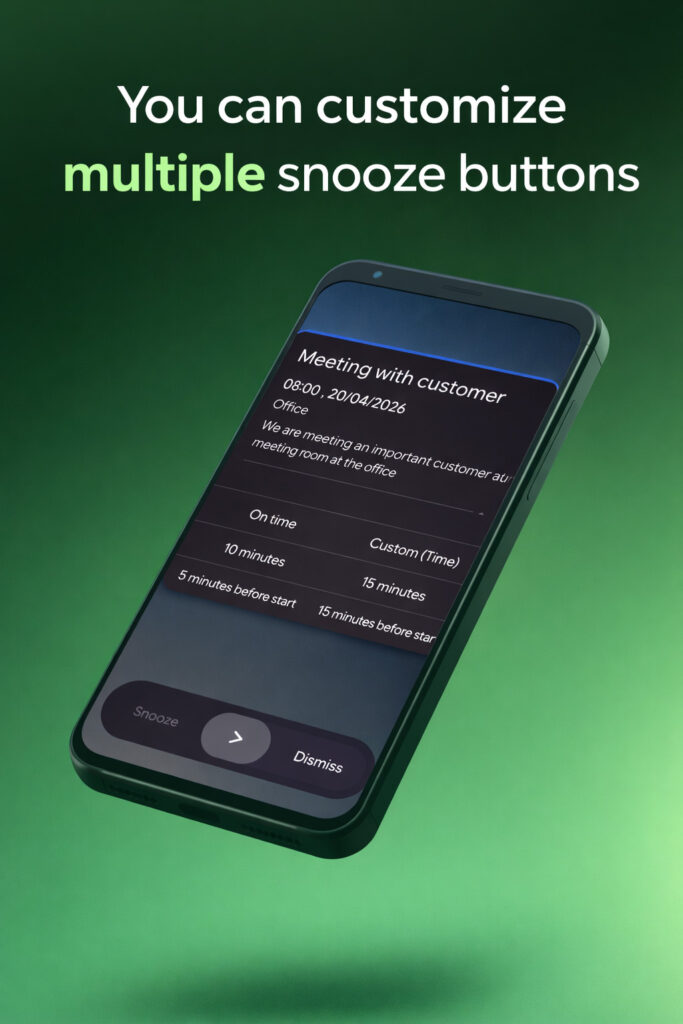
- Customizable reminder intervals (minutes before/after events)
- Support for all-day events with configurable handling
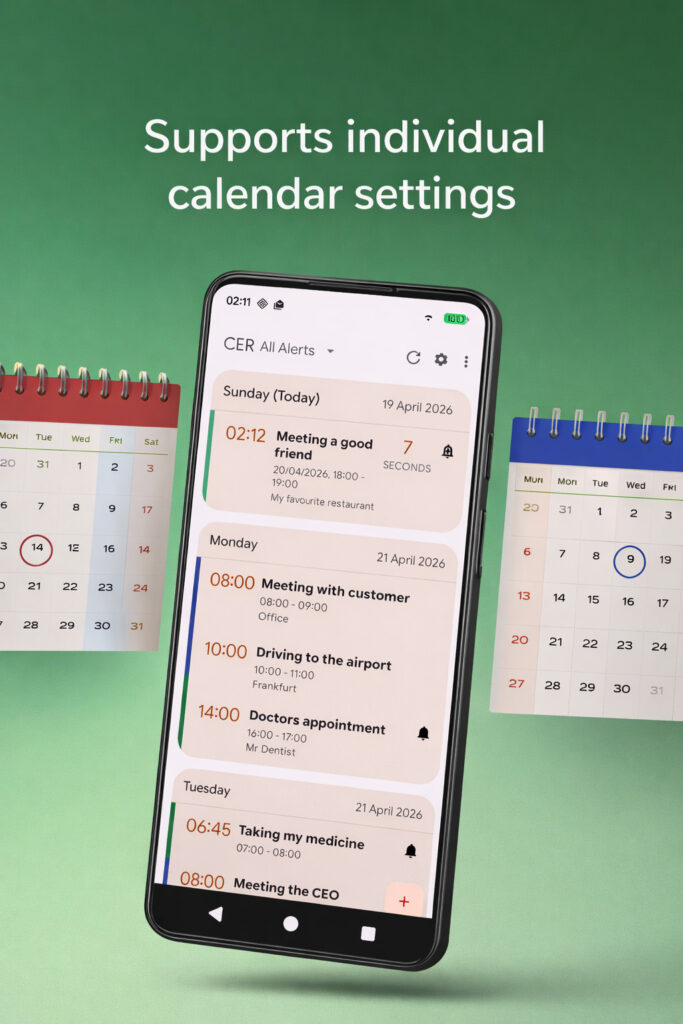
- Per-calendar settings for granular control
- Global calendar preferences for quick setup
- Configurable repetition count
- Stop conditions: at event start or event end
Flexible Alert Presentation
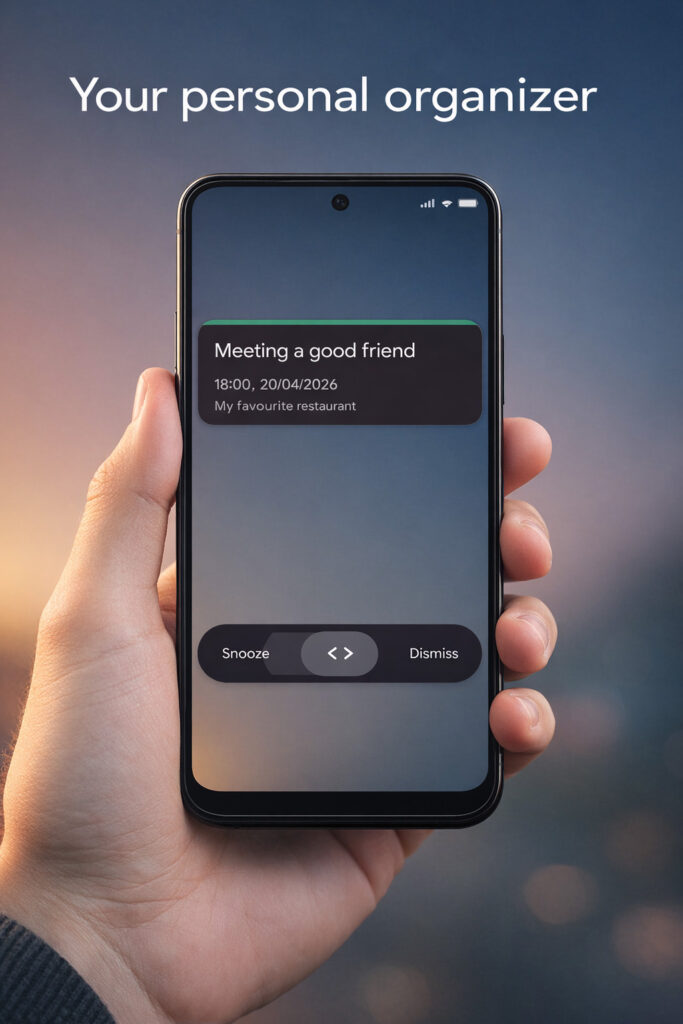
- 6 different alert interaction styles:
- Classic Buttons
- Colored Buttons
- Slider (Froyo style)
- Slider (Gingerbread style)
- Circle (Icecream Sandwitch)
- Slider (Material 3)
- Theme options: Classic Holo Black / White, Material 3 (light/dark)
- Diferent background options: Transparent, home screen, wallpaper
Powerful Audio Control
- Intelligent reminder system for all your calendar events
- Works with your device’s native calendar
- Customizable reminder intervals (minutes before/after events)
- Support for all-day events with configurable handling
- Per-calendar settings for granular control
- Global calendar preferences for quick setup
- Configurable repetition count
- Stop conditions: at event start or event end
Customizable Vibration
- Unique vibration patterns
- Play once or continuous pattern
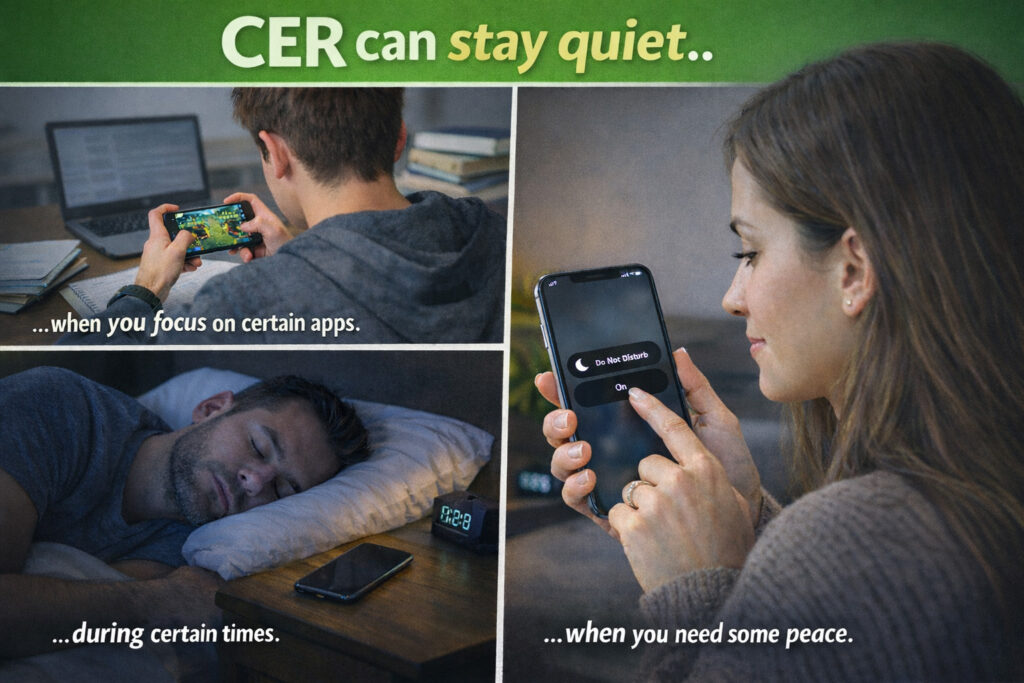
- Vibration during specific ringer modes
Visual Notifications
- Android notification integration
- Combined notifications for multiple alarms
- Custom notification actions
- LED notification with customizable color
- Adjustable LED blink rate
- Screen flash during alerts
Screen & Display
- Automatic screen wake-up on reminders
- Keep screen on during alerts
- Custom screen timeout settings
- Show above or below lock screen
- Portrait/landscape orientation options
Gesture Controls
- Flip to snooze or dismiss
- Shake to snooze or dismiss
- Configurable gesture sensitivity
Backup & Sync
- Import/restore settings
- Easy backup and transfer
CER Feature Requests
Get your idea to 100 to be reviewed
- 1Open calendar after dismiss or snoozeOption to let the event be opened in calendar after dismissing / snoozing
- 1Add delete button to alarm dialogAdd "delete" button to the alarm dialog and/or reminder list context menu to delete an appointment
- 1